I sought Yahweh, and he answered me, and delivered me from all my fears.
PSALM 34:4 · WEBYour day at a glance.
Nothing more.
Tabili is a small e-paper display for your desk. It shows today's calendar, your tasks, the weather and a daily Bible verse. It has no backlight, sends no notifications and works without an account.
Tabili is in a small beta, by invitation. You won't need an account or a subscription.
See what's next at a glance
Your next event gets a box of its own, with a countdown, so you know how long you've got.
Every calendar in one list
Add up to five calendars from Google, Outlook or any iCal link. The rest of the day follows in time order, with the place under each event.
Tick it off and it's gone
Tick a task off on your phone and it leaves the screen at the next update. The rest stay in view all day.
The weather before you look outside
The temperature, what it feels like and the sky for your town, from MET Norway. It updates through the day.
When the day is done, tomorrow shows up
Once today's events are over, the screen says so and shows your first event tomorrow.
A verse for the day
A new verse every morning under Meditate on this. Add your own, or turn it off.
It tells you when it's out of date
If the Wi-Fi drops, the screen says so and shows when it last updated, so an old schedule never passes for today's. The battery level can sit in the corner too.
Private when your desk isn't
A switch in settings hides event locations. With the optional server you can hide task titles as well, and the screen shows Task 1, Task 2 instead.
Leave your phone in your pocket. Today's plans are already on your desk.
Why paper, and not another screen?
Your phone already has your calendar, but you have to unlock it to look, and the day's plans sit behind every notification. Touchscreen wall calendars keep the schedule in view, but they come with a bright screen, a power cable and usually an app account.
E-paper looks like a printed page. It has no backlight and only uses power when the picture changes, so Tabili can run on a battery and show your day without lighting up.
| Tabili | Touchscreen calendars | Your phone | |
|---|---|---|---|
| Screen | E-paper, no backlight | Bright LCD | Bright, with notifications |
| Account to set up | None | Usually, through an app | Already signed in |
| Subscription | Not needed | Some charge for extra features | Not needed |
| Power | Rechargeable battery | Wall outlet | Daily charge |
| Seeing your day | Look at your desk | Look at the wall | Unlock it first |
Touchscreen calendars vary by brand and plan. Check the current terms of any product you compare.
Set up in a few minutes, from your phone.
You don't download an app or create an account. Tabili serves its own setup page.
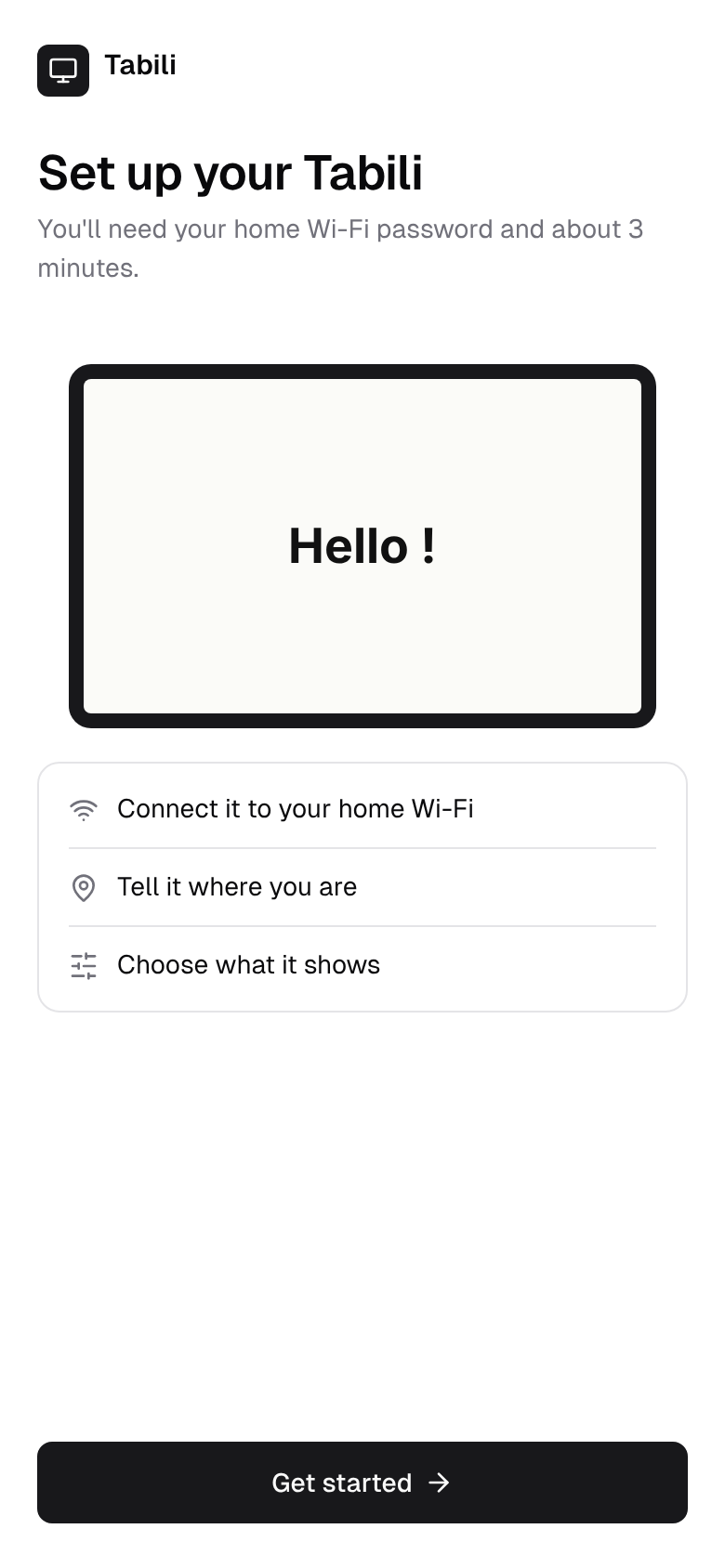 1
1Join Tabili's Wi-Fi
Tabili creates its own network. Join it from your phone and the setup page opens by itself.
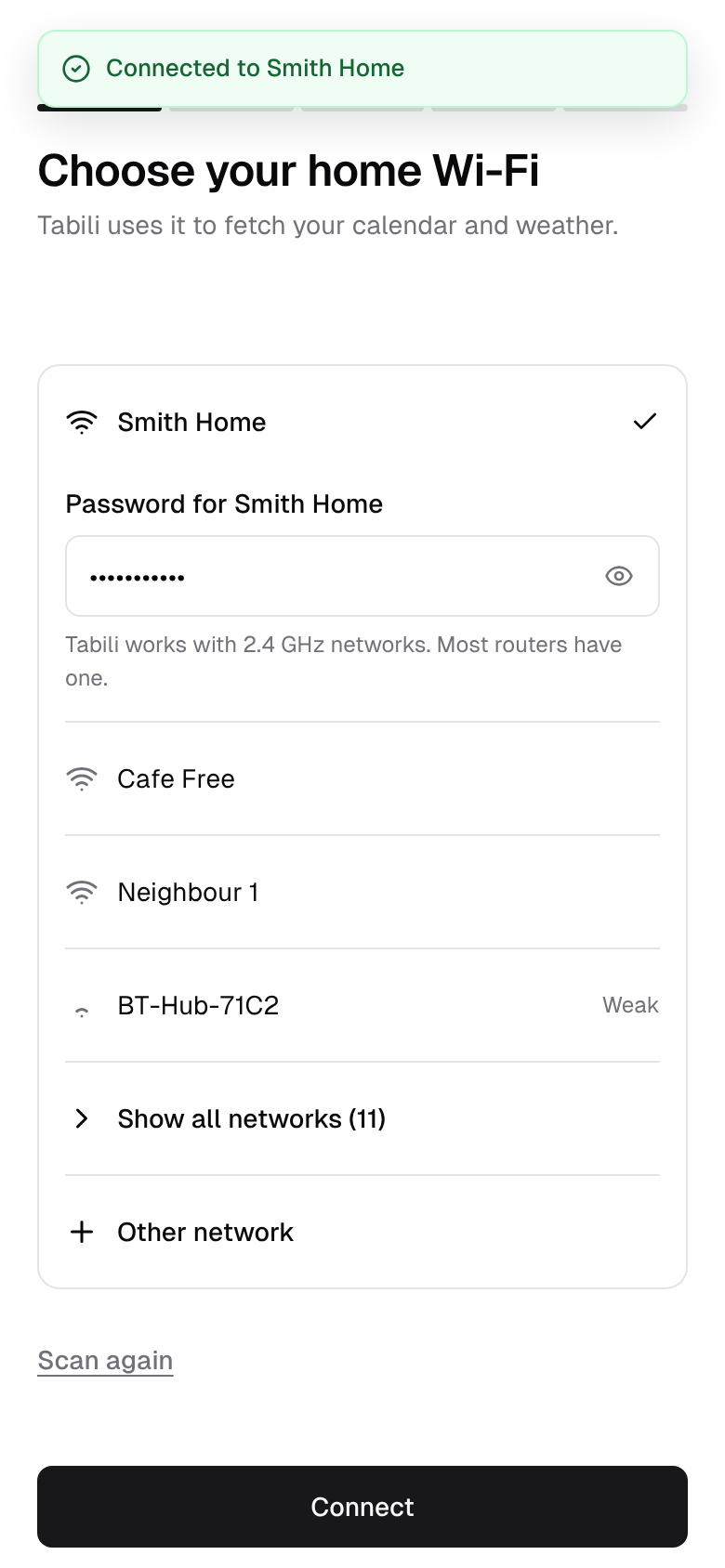 2
2Add your Wi-Fi and city
Pick your home network, then choose your city for the weather.
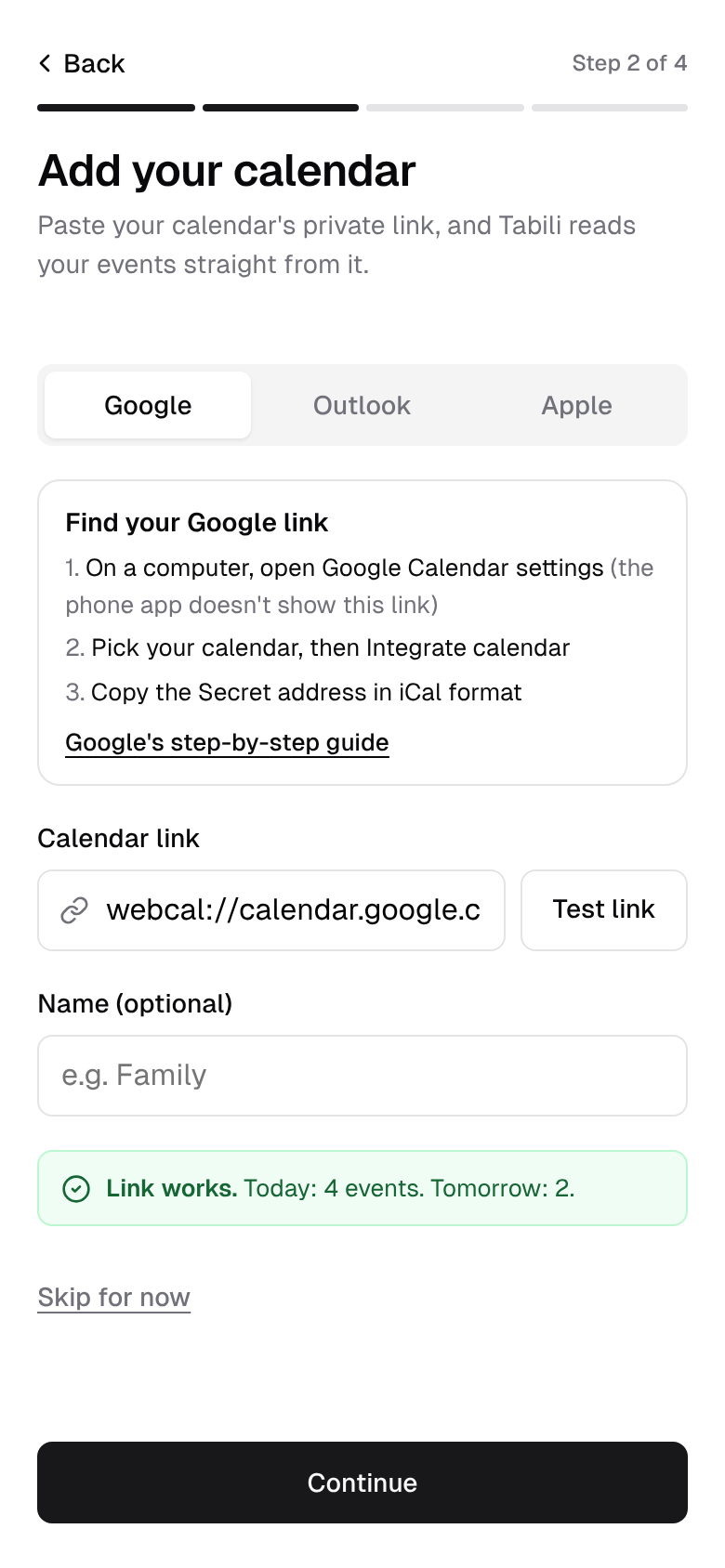 3
3Connect your calendar
Paste your calendar's private iCal link. The setup page shows where to find it in Google Calendar and Outlook.
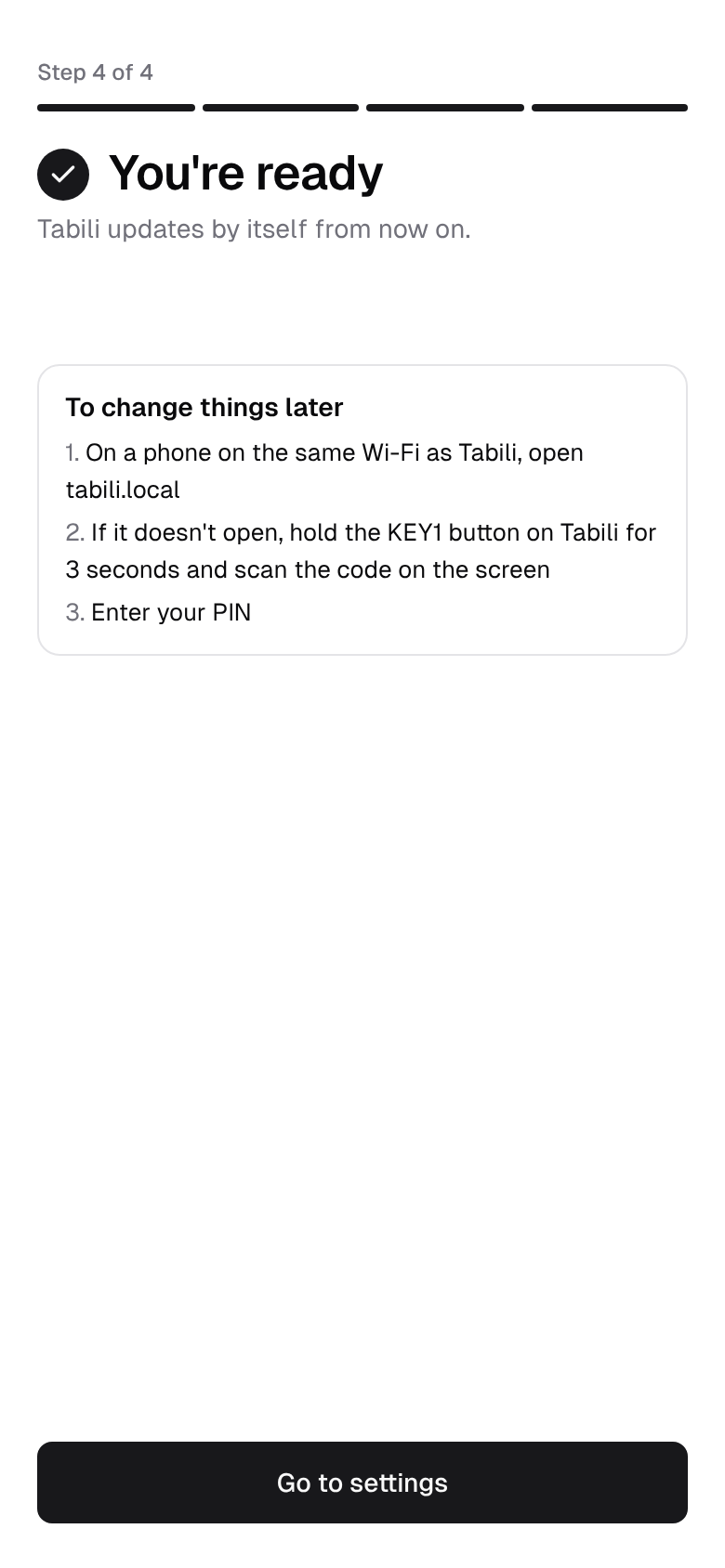 4
4Change things later
Hold the button for three seconds, then open tabili.local on your phone and enter your PIN.
Phone screens are from the Tabili app design mockups.
Tabili doesn't need to know who you are.
It fetches your calendar and the weather itself, and keeps its settings on the device.
- No account and no ads.
- It reads your private iCal link, so you never sign in to Google or Microsoft on the device.
- A PIN you choose protects the settings.
- You can hide event locations from the screen, and task titles too with the optional server.
The details
- Display
- 7.5" e-paper, 800 × 480, black on white
- Power
- Rechargeable battery, with a note on screen when it's low
- Screen
- Updates every 15 minutes from 08:00 to 20:00, then three times overnight
- Wi-Fi
- 2.4 GHz home networks
- Software
- Signed firmware updates over Wi-Fi
Run your own server, if you like
You don't need one. If you'd like shared tasks and calendars across a household, you can host the optional Tabili server on your own hardware.
It started on one desk
Tabili began as a personal project: one person's day on their desk, without another glowing screen. Now we're getting it ready for other households, and the beta is the next step.
Questions
Which calendars work with Tabili?
Any calendar that gives you a private iCal link, including Google Calendar and Outlook. You can add up to five, and Tabili merges them into one list.
How long does the battery last?
We're measuring it on real devices during the beta and will publish the numbers. Tabili shows a note on the screen when it's time to charge.
What happens if the Wi-Fi drops?
Tabili keeps showing the last schedule it fetched and marks it as offline, with the time it last updated. It catches up at the next update once the network is back.
Can I change how often it updates?
Yes. On battery it updates every 15 minutes from 08:00 to 20:00 and a few times overnight. When it's plugged in, you can have it update every 5 minutes instead.
Can the date show in another language?
The date can show in English or Yorùbá. You choose in settings.
Do I need an account or a server?
No. Tabili reads your calendar and the weather by itself. Running your own server is optional.
What Wi-Fi does it need?
A 2.4 GHz network. Most home routers broadcast one alongside 5 GHz.
Can I edit events from Tabili?
No. Tabili is a display, so you keep editing in the calendar you already use. Changes appear at the next update.
How much will it cost?
We'll share pricing with beta members first.
Want one on your desk?
We're inviting a small group into the beta. Email us and say which calendar you use, and we'll reply with the next steps. You won't need an account or a subscription.
Opens your email app. Or write to hello@mytabili.com.